
3D Network Diagram
This blog discusses how 3D diagrams work for IT and RAN Infrastructure.
3D DIAGRAM
12/5/20251 min read
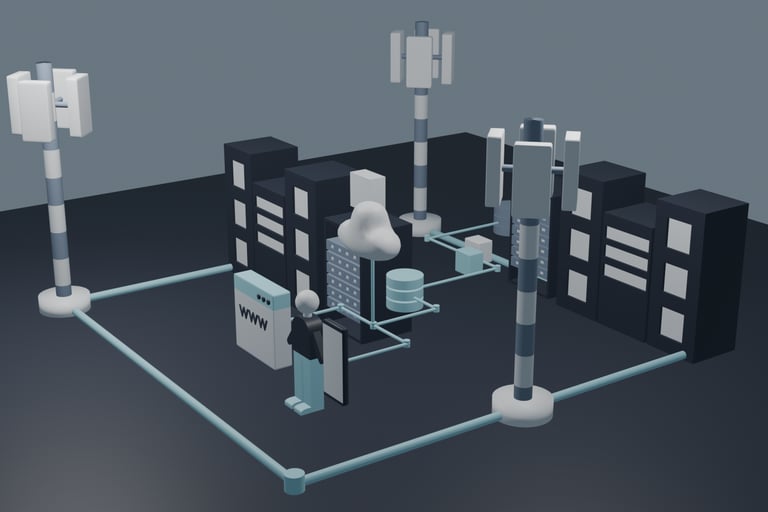
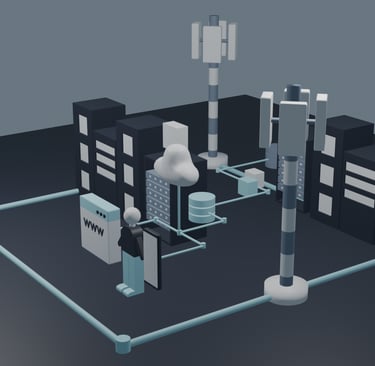
If you have an infographic 2D Network Diagram, then why do you need a 3D version? If you ask me, it is actually easier to draw in 3D applications like Blender. In the 3D workspace, you just need to modify the vertices of an object unlike in vectors, you need to draw everything.
One particular case of using 3D Blender is creating network diagrams Inbuilding Wireless Network Solutions. This is a network architecture where the remote radio units are inside a building and are run by a distributed antenna system. So how does 3D Blender work for this? Here, what’s required is to draw a building, open it and show the remote radio units inside. To identify what type of building - if it’s a hospital or a factory, you need to add items and accessories that relate to the building. For example, a smart factory using a wireless network needs to have robotic arms, packaging and tables inside. This is the thrill in working 3D diagrams wherein you’re creating the characters. It is actually more like building using Lego blocks.
Another way to use a 3D network diagram is where you need to show multiple sites. Like in the diagram shown here, it shows the production and disaster recovery environment inside a wide area network or WAN. With 3D, it gives you the spatial feeling that you are inside the 3D network diagram as if you can walk inside it. You can easily see that the sites are in different locations. You can also provide different camera angles if necessary since in 3D, you move in x,y and z axes.